


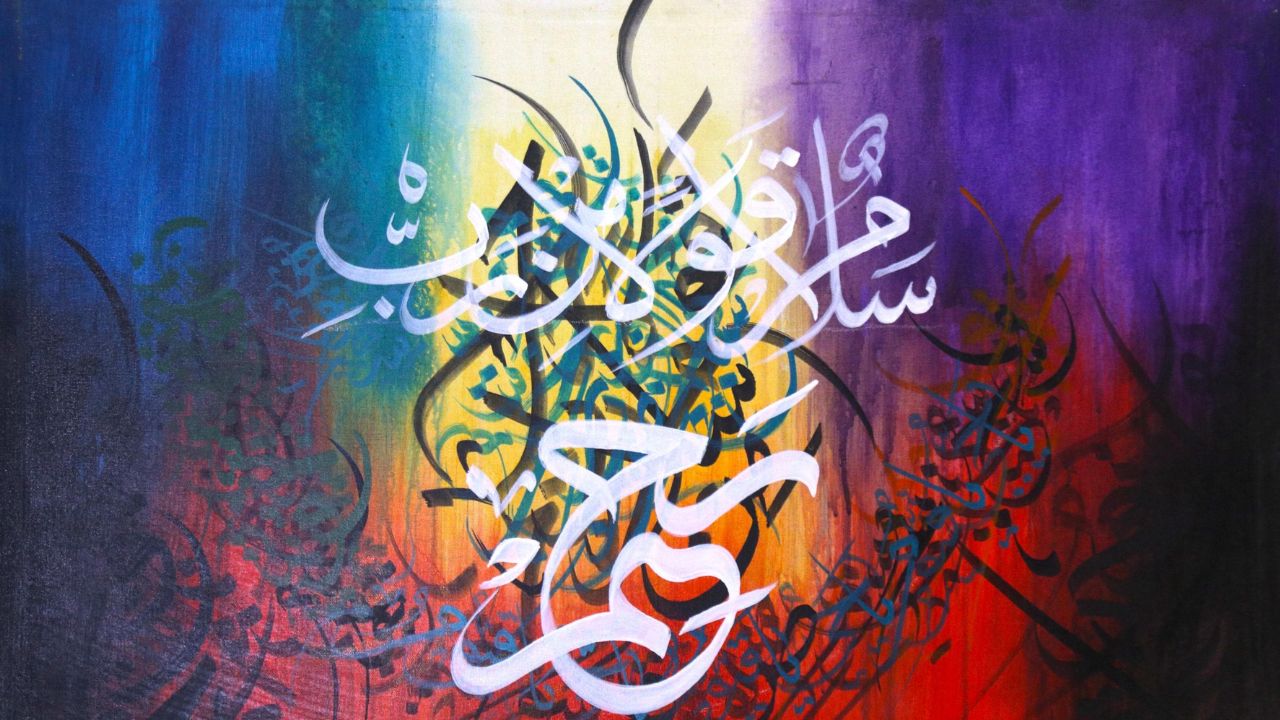


The ancient art of calligraphy, defined as a penmanship form focused on beautiful handwriting and word art, continues to thrive in the digital age.
Whether for decorating wedding stationery or designing logos, modern enthusiasts are increasingly turning to mobile applications and tablets to refine their skills.
For those seeking to transition from traditional ink to a digital canvas, several standout applications and expert resources offer structured paths to mastery.
Top practice apps
For beginners and hobby artists, Calligraphy Practice · Cursive, developed by Lidwien Veugen, provides a comprehensive library of hundreds of fonts and typography templates.
A unique feature of this app is its Augmented Reality (AR) tracing mode, which allows users to place their device above a physical page to follow lines on paper. It also includes animated tutorials that guide users through strokes step-by-step.
While the basic version is free, a Pro version is available to unlock all fonts and remove advertisements.
Another popular choice is Calligraphy Tracing – Flourish by Frosby Designs Ltd, which focuses on the art of “flourishing” – adding decorative loops to the start and end of words.
The app offers traditional ink pens for a soothing experience and flat-head markers for italic or graffiti-style art. Users can start with 34 free alphabet letters and upgrade to a full version for more colours, backgrounds, and ornamental borders.




For those on Android, LazyDog2: Calligraphy Practice by IH offers a stable platform for learning classic calligraphic styles. It features animated demonstrations and allows users to track their progress through individual letter scores. Recent updates have added landscape orientation and adjustable letter sizes for a better tracing experience.
Professional creative suites
For more advanced artists, general creative applications like Adobe Fresco and Procreate offer powerful lettering features. In Adobe Fresco, AGF Design Studio highlights the use of clipping masks and lock transparency to add non-destructive colours and textures to lettering.
A significant advantage of Fresco is its vector brushes, which create infinitely scalable graphics that can be sent directly to Adobe Illustrator.
In Procreate, mastering calligraphy requires specific technical adjustments. Molly Suber Thorpe, a renowned calligrapher and author, emphasises the importance of the StreamLine setting to counteract the slippery nature of the iPad’s glass screen. She recommends setting StreamLine to 50 per cent higher to achieve fluid transitions between thick downstrokes and thin upstrokes.
Additionally, Nicole Mauloni of iPad Calligraphy provides detailed guides for Copperplate calligraphy, specifically designed for use with Apple Pencil on an iPad Pro. She notes that its pressure-sensitive screen is essential for achieving the dramatic line variation required for traditional scripts.
Expert advice for beginners
Max, the founder of Lettering Daily, suggests a three-step formula for success: picking a single style to start with, choosing the right tools, and following a structured practice plan.
He advises that consistency is more important than intensity, suggesting that 15 to 20 minutes of daily practice yields better results than longer, infrequent sessions.
For those who prefer physical resources, experts recommend books such as Foundations of Calligraphy by Sheila Waters or The Calligrapher’s Bible by David Harris.
Many of these digital platforms also offer free downloadable practice sheets, such as those found in Molly’s Lettering Toolkit, which allow users to trace expert exemplars to build muscle memory.
While digital tools like Apple Pencil and various apps offer a forgiving environment where mistakes can be easily erased, the core principles of calligraphy remain the same; controlled strokes, patience, and a focus on artistic expression over speed.